Give your AI eyes.
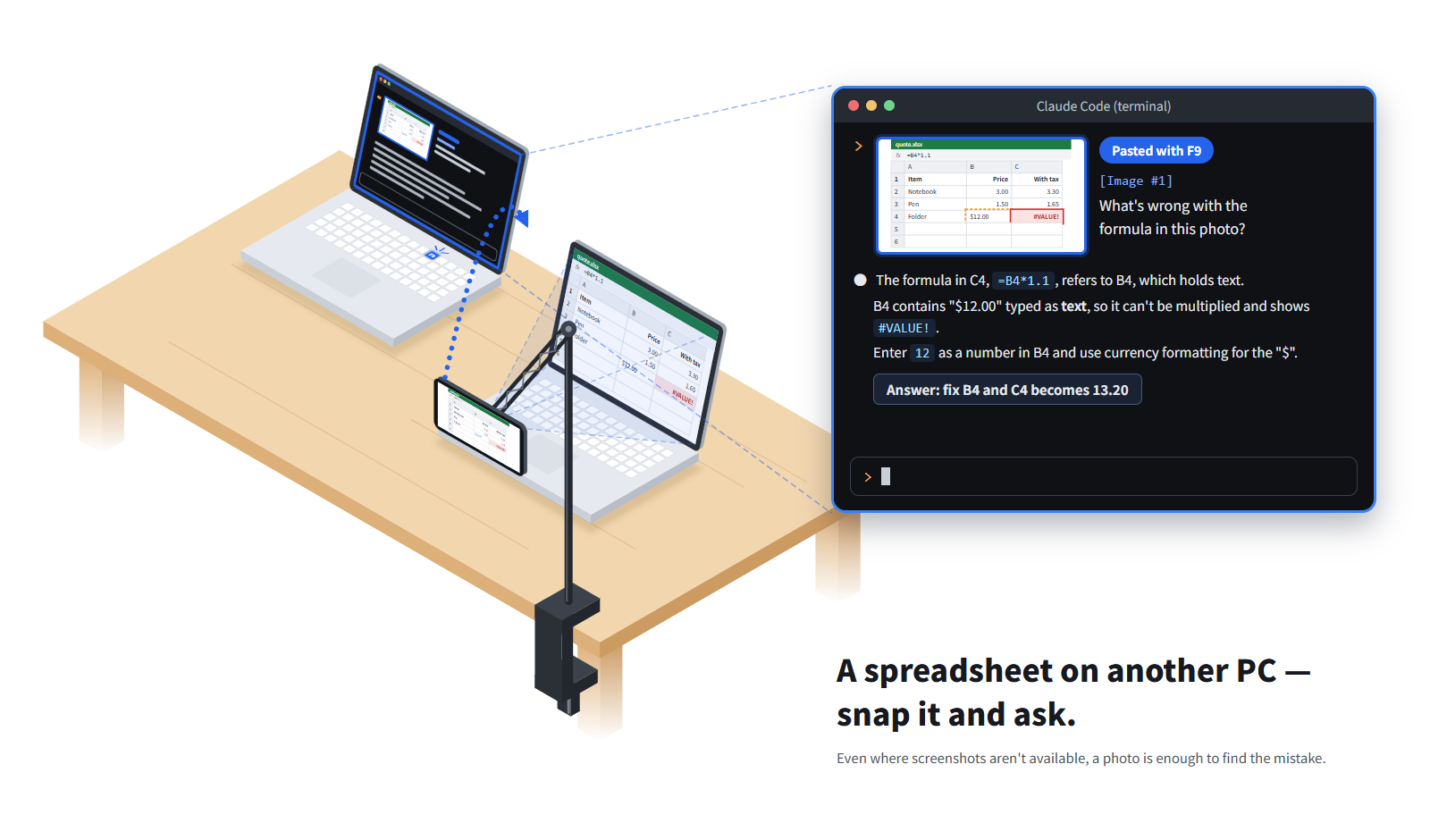
Your AI can only see inside the computer it runs on. Eyes for AI turns your phone into its eyes: snap another computer's screen, a sheet of paper or a whiteboard, press F9, and the photo lands in your AI chat.
Get started
1
Install the Eyes for AI PC app on Windows (coming soon to the Microsoft Store).
2
Install the Eyes for AI phone app on Android (coming soon to Google Play). The PC app shows a QR code for it.
3
Pair them over Wi-Fi with a 6-digit code, then press F9.
User guide · 使い方ガイド(日本語) · Privacy policy / プライバシーポリシー · support@eyesforai.app